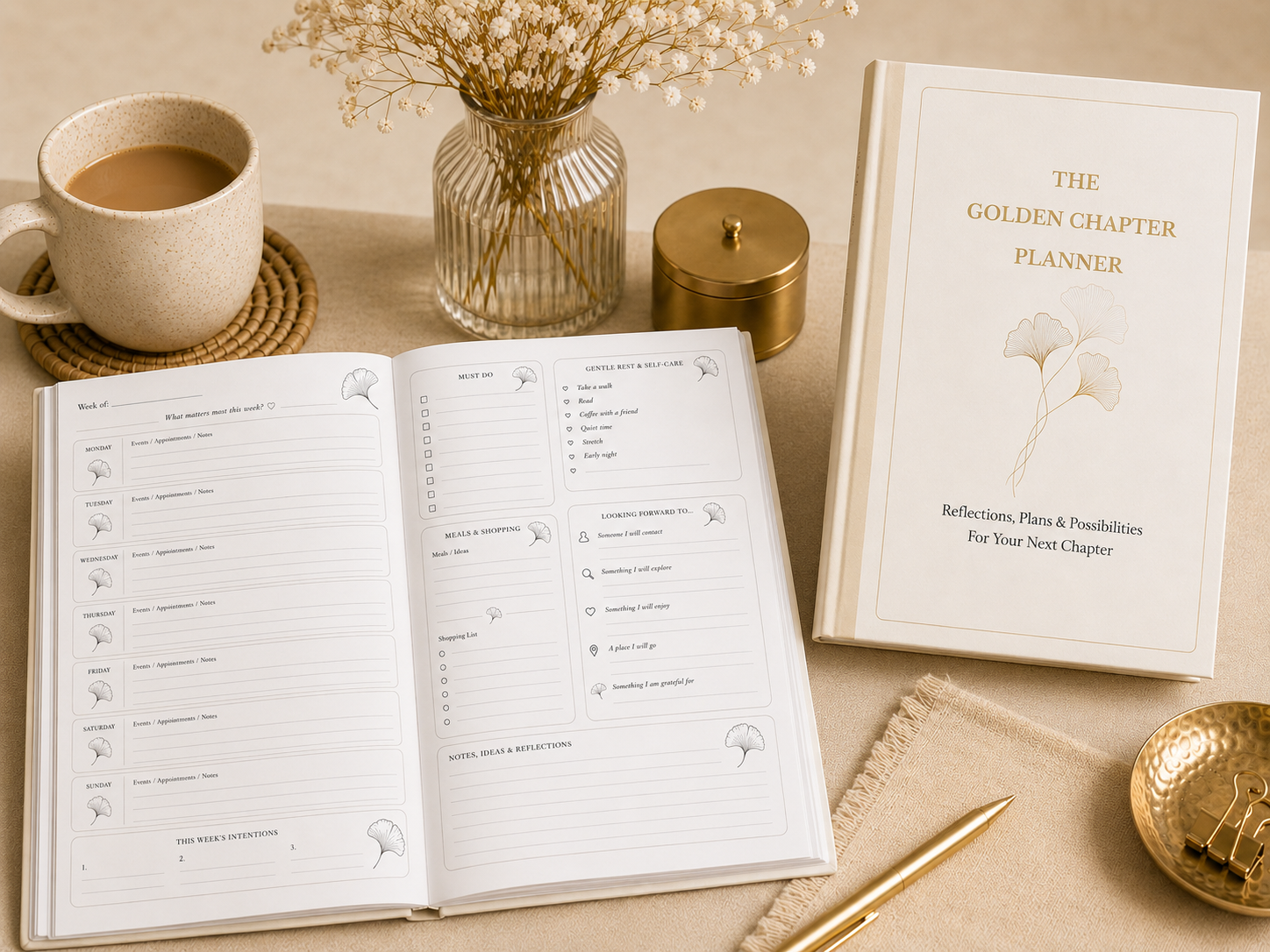
Your Golden Chapter Planner Download
Thank you - your digital edition of The Golden Chapter Planner is ready
Your planner is supplied as a PDF file.
After downloading, you can:
Read it on your computer, tablet or iPad
Save it to your device for future use
Print the pages you need, as often as you like
Print a full copy and place it in a folder or binder
Use it digitally with apps such as Goodnotes, Notability or other PDF annotation tools
Because this is a printable planner, you may wish to print one week at a time, or print several weeks ahead and keep them somewhere visible.
A Gentle Way to Begin
You do not need to plan every hour of every day.
Start with one week. Notice what you would like more of, what you would like less of, and what would help the week feel more balanced.
The planner is there to support you — not to boss you about.
Make It Your Own
Some weeks may be full and lively. Others may need to be quieter and more spacious.
Use the planner in the way that suits you best. It is designed to help you create a retirement rhythm that feels realistic, nourishing and your own.
HOW TO USE YOUR PLANNER
HAVING TROUBLE DOWNLOADING?
If the file does not download immediately:
Check your browser downloads folder
Try clicking the button again
On phones or tablets, look in your Files or Downloads app
If you still have difficulties, please tell me what’s going wrong and I will happily help.